Groups
A group set splits the students of a classroom into groups. It belongs to the classroom, not to a project: several projects can follow the same set, and you form the groups once.
Coming from heig-classroom
Groups were per assignment there. Here they are classroom-wide, so a pair formed for one lab can carry the next. A project keeps its own copy of the set.
The Groups tab
The classroom's Groups tab lists its sets: the groups, how many students are Placed or Not placed, the projects that use it, and whether it is open to students.
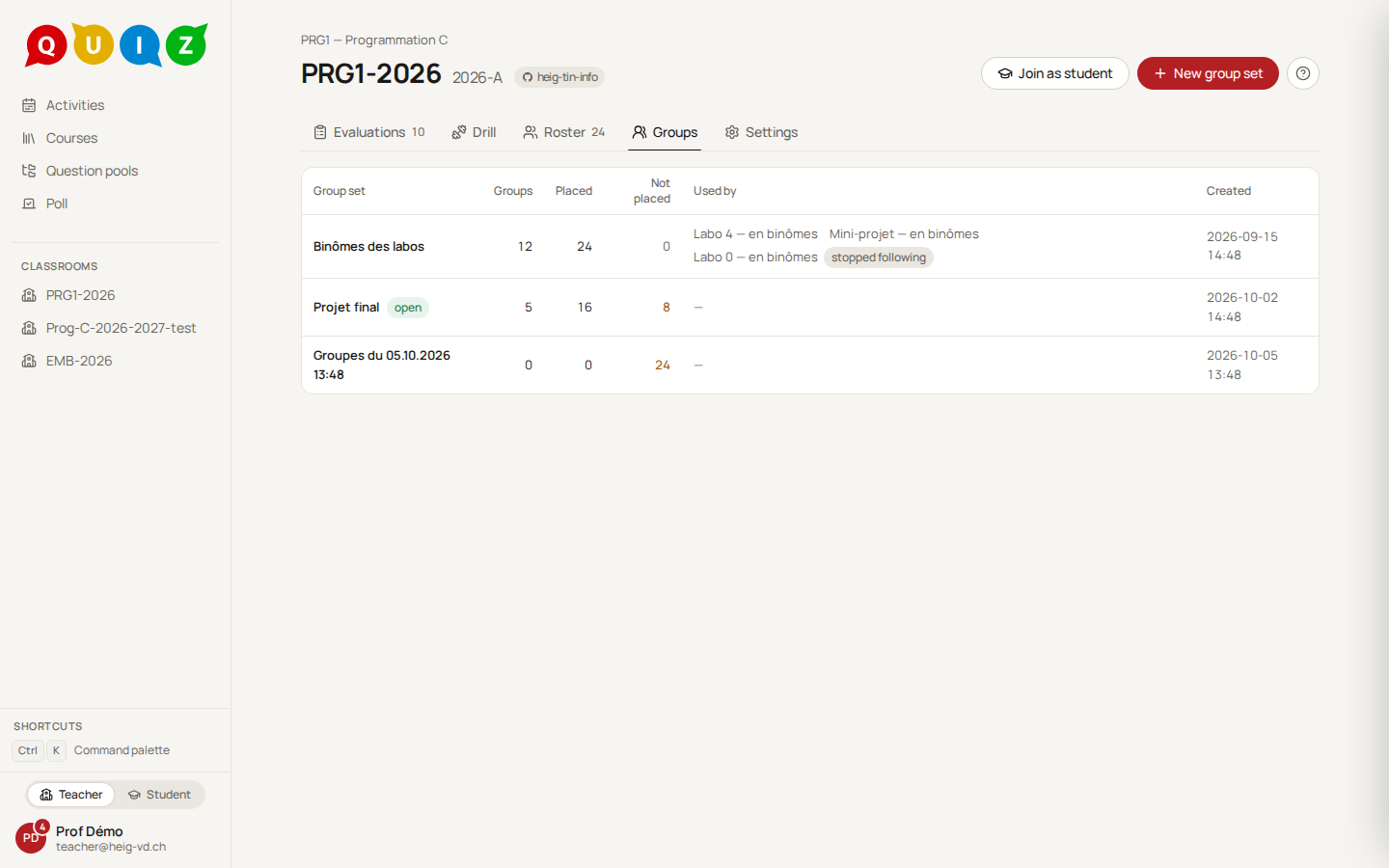
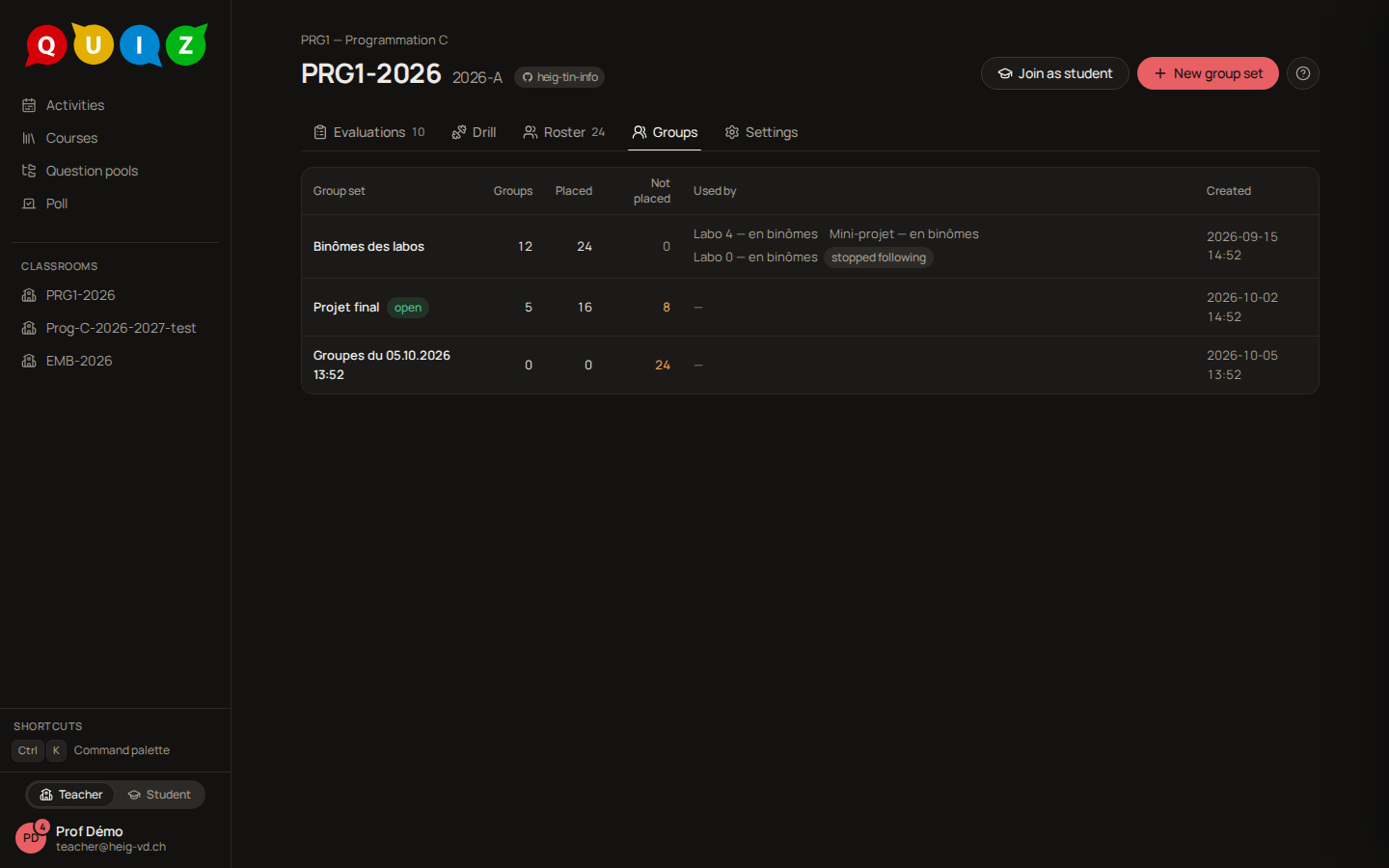
New group set creates one, named by date until you rename it. Open a set to Rename, Duplicate or Delete it, and to set a Maximum size, which only flags a group above it. A set that a project uses cannot be deleted: archive the project first. Staff seats are never placed; every student of the roster is, claimed or not.
Form the groups
Three ways, which you can mix:
- By hand. New group, then drag students from No group into a group, or use the keyboard: Space to pick up, arrows to move, Space to drop. A student is in at most one group of a set. Undo reverts a move.
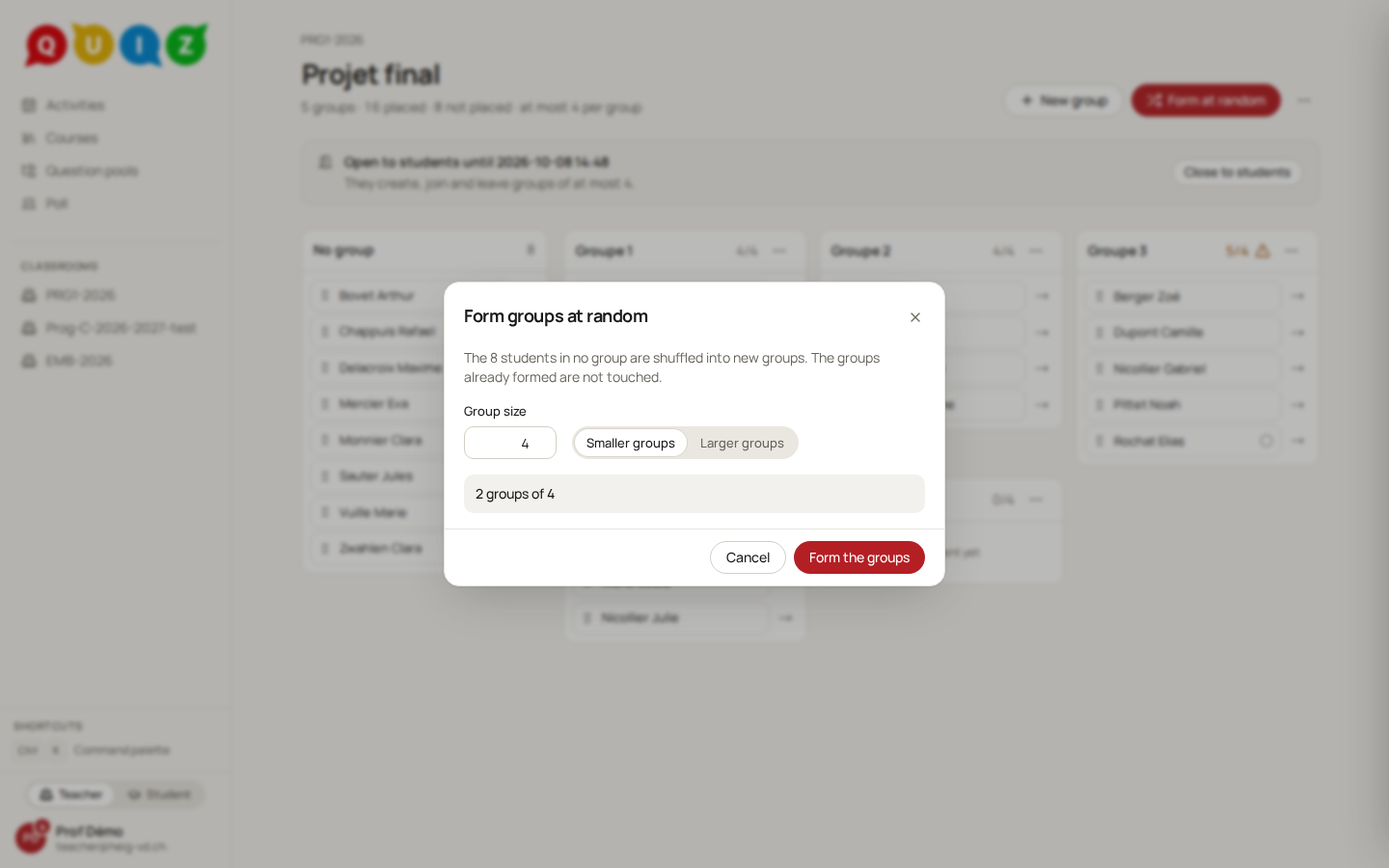
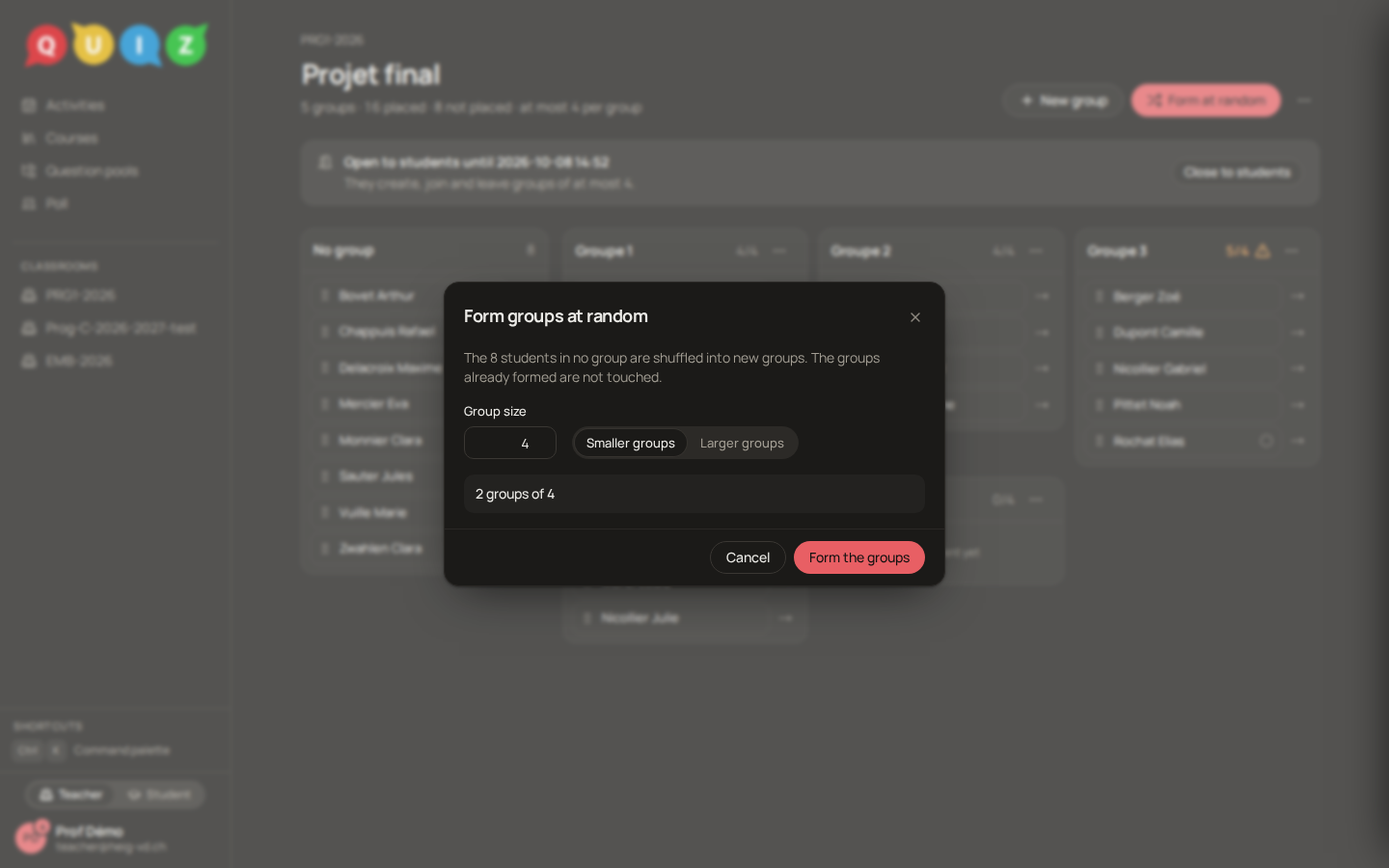
- At random. Form at random shuffles the students in no group into groups of the Group size you choose, whose sizes differ by at most one. Choose whether the remainder goes to smaller groups or to larger ones (23 students by 3: seven groups of 3 and one of 2, or five of 3 and two of 4). Groups already formed are not touched.
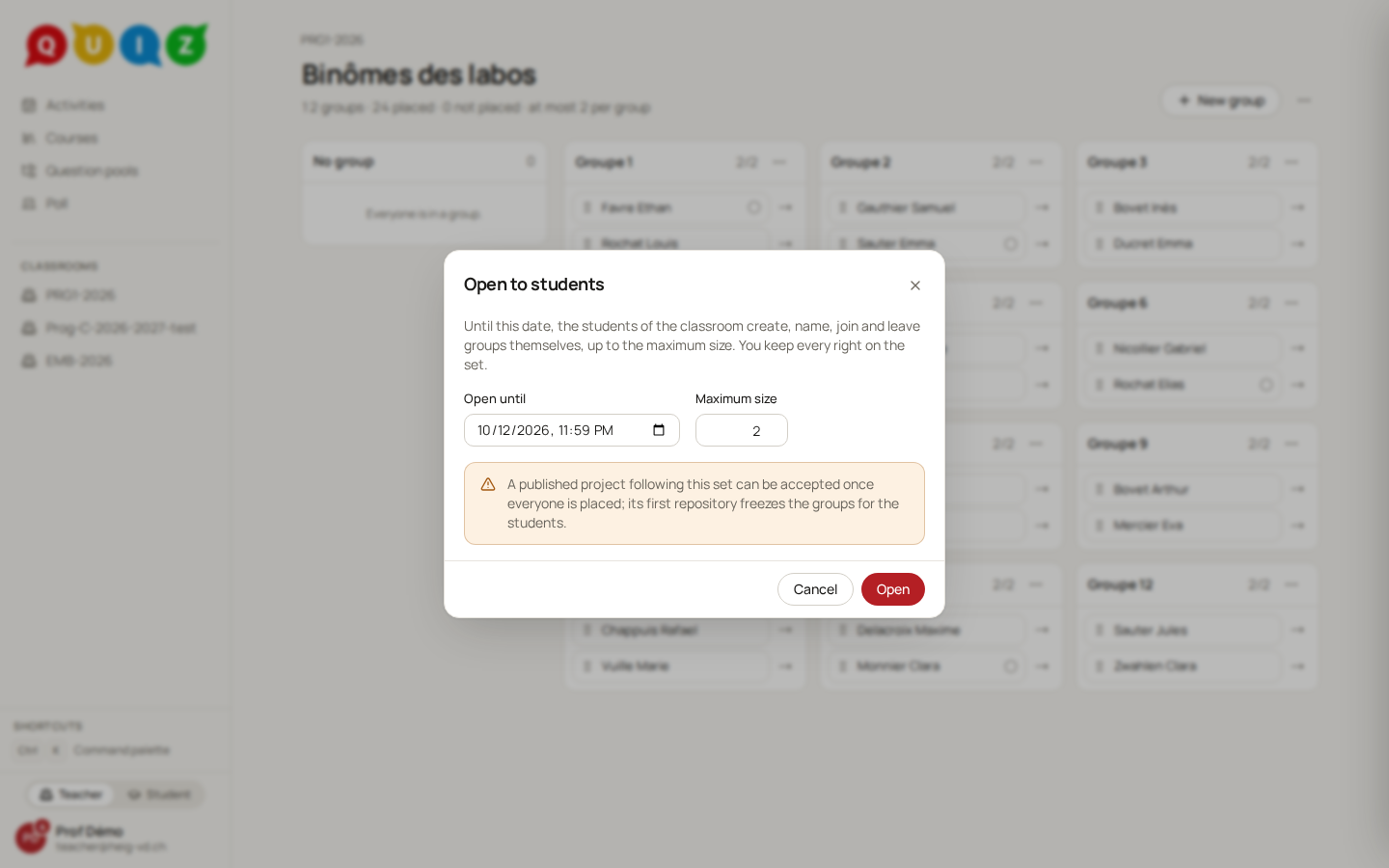
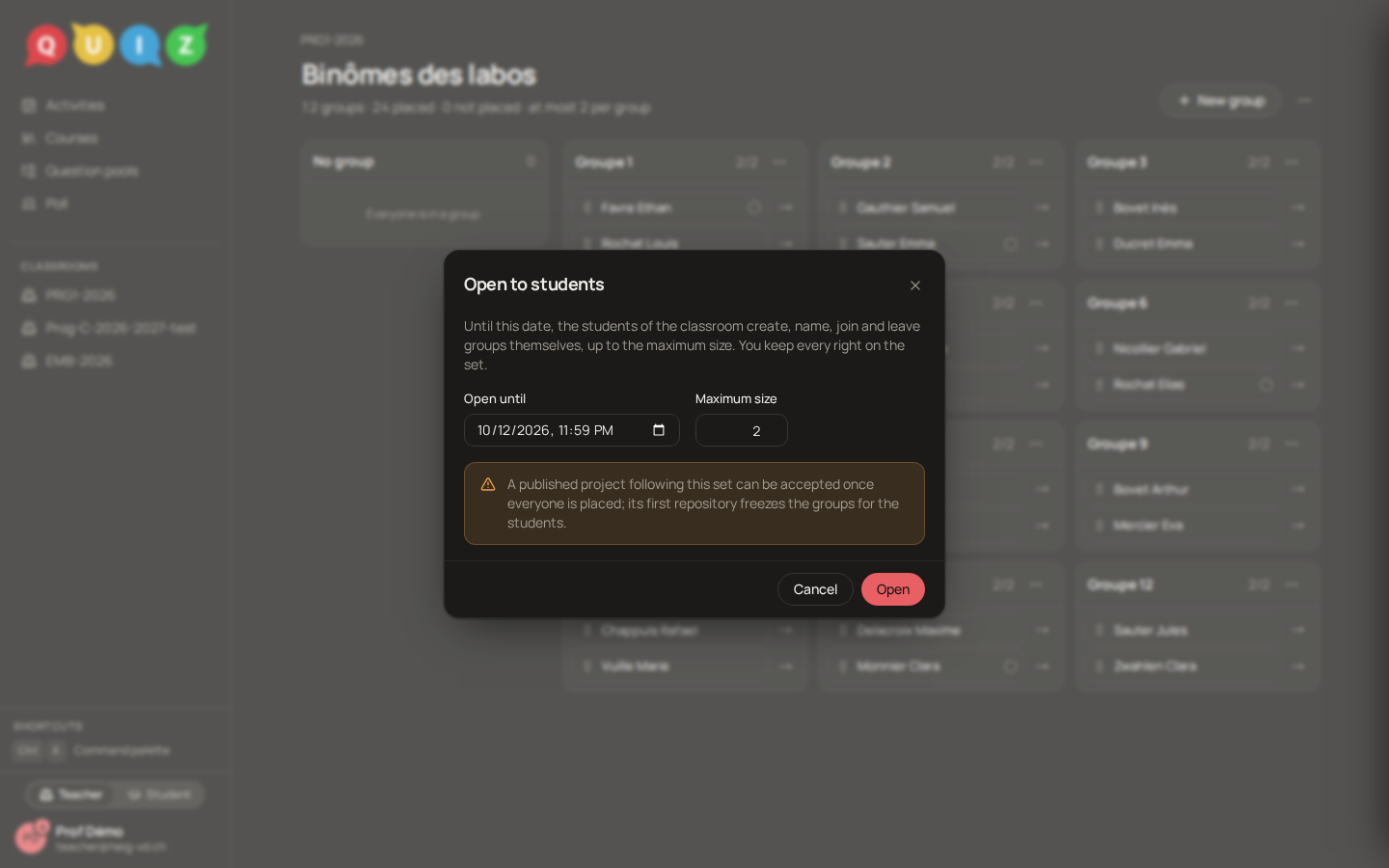
- By the students. Open to students… asks for a maximum size and a date. Until then, students create, name, join and leave groups themselves from a Groups tab of their classroom, up to the maximum, and you keep every right. At the closing nothing happens by itself: you place whoever is left. Once a group of the set has a repository in a project, the set is frozen for the students and only you change it. See Projects, groups and the journal.
A project's copy
In the project form, the Groups switch makes it a group project: choose a set, or create one. The project follows the set until the first of the project's deadline and the repository's own: a move in the set reaches the project until then. After that the copy stops moving. A group project cannot be published while a claimed student has no group.
There is one repository per group, named <project>-<group>. The first member to accept creates it, and every member with a linked account is invited; someone who links later is invited then. Renaming a group never renames a repository, and a group that has a repository cannot be deleted: move its members out instead.
Moves after repositories exist
Moving a student out of a group that has a repository changes who can reach that repository and whose grade it carries. Quiz therefore shows the consequences first (who loses access, who gets access, which repository is being created or frozen) and asks you to Confirm the move. GitHub then follows in the background: a student leaves once their access is revoked. If GitHub refuses a revocation, the member stays in the copy and the repository is flagged access to revoke, retried until it works. A move that touches no repository takes effect at once, with Undo.
Resync with the set
When a project's copy stopped following the set and the set has changed since, the project page says so (The group set changed since these groups stopped following it) and offers Resync with the set. It applies the whole difference in one go, even after the deadline. Its confirmation names every frozen repository it touches and each student it leaves in a group without a repository while Accept is closed.
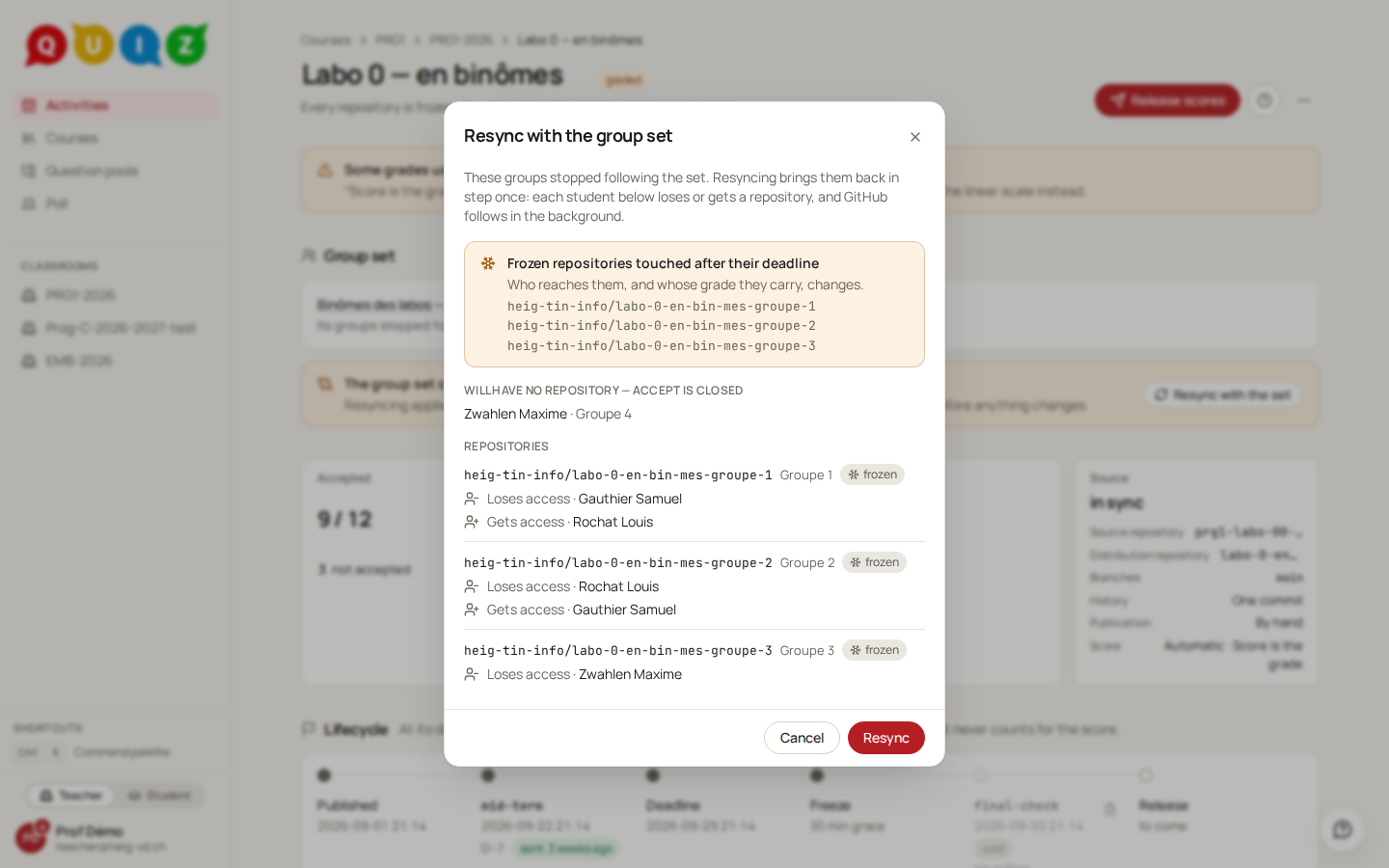
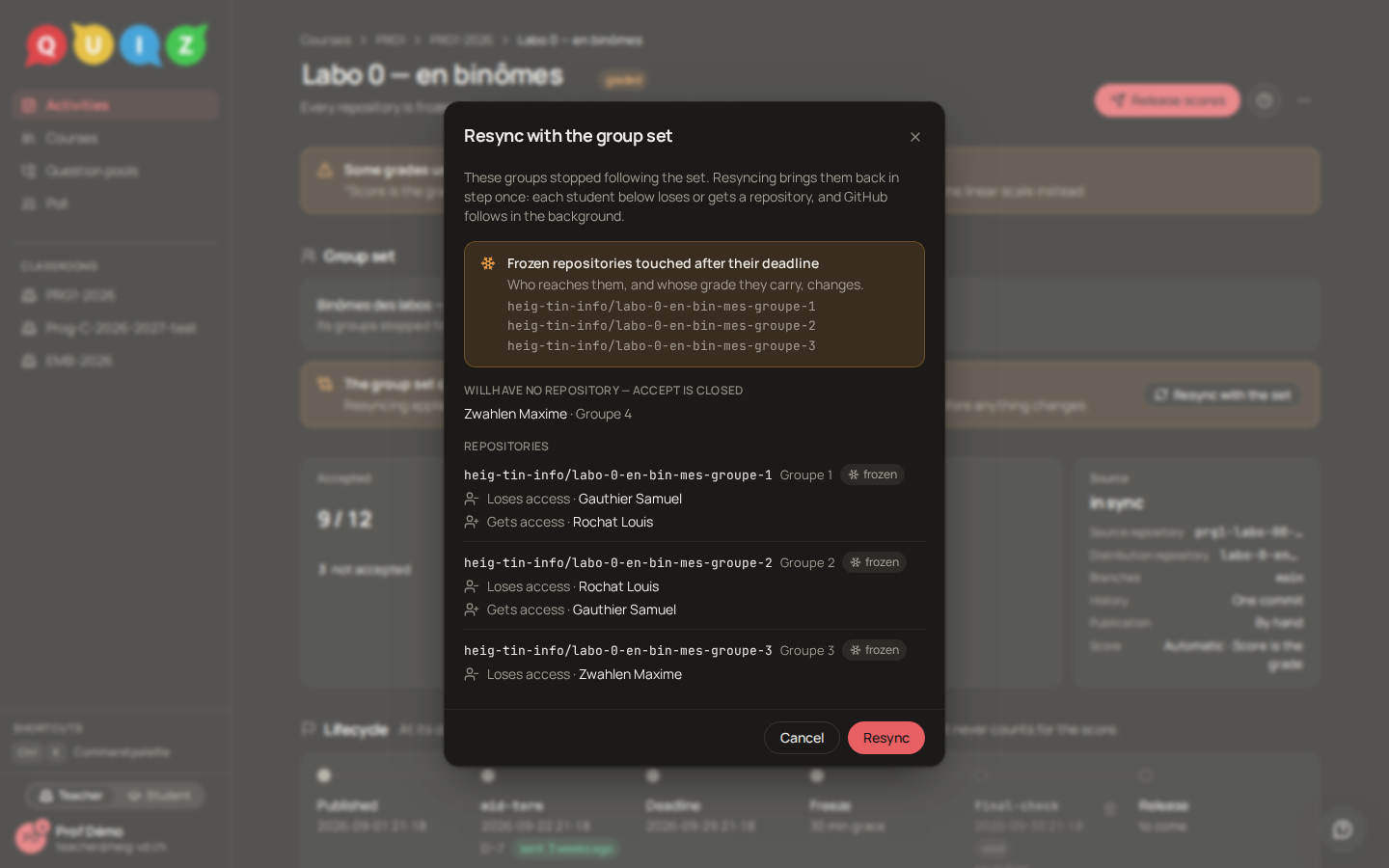
A frozen group that has a repository, whose group was deleted from the set, is kept. A resync is refused once the scores are released, and the release itself waits until a confirmed resync is fully applied on GitHub.
Leaving the roster
Removing a student from the roster first revokes their access to the repositories of the classroom's projects, a group's included, and takes them out of every group set. If GitHub refuses a revocation on a repository it can reach, the removal is refused and the roster is unchanged. The repositories, runs and scores are kept.