Teaching recipes
The other chapters explain how each screen works. This one is about what to do with them in a course: a few proven teaching formats built from what the platform already has, question patterns for programming beyond "write a function", and the rules that make a question worth its statistics. Each recipe links to the chapter that explains the screens it uses.
In the lecture and around it
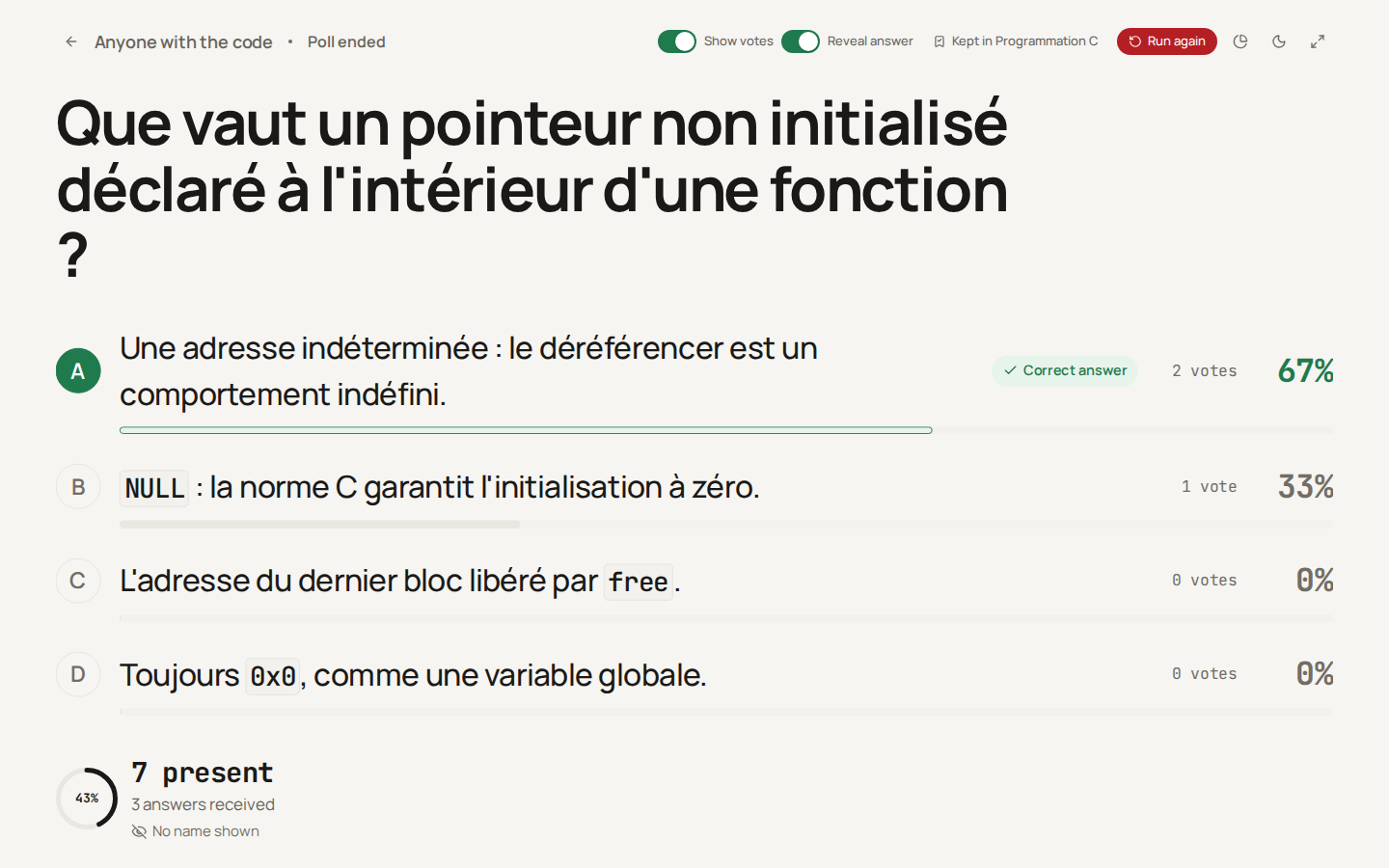
Peer instruction with a poll
Eric Mazur's format: a concept question, a first vote, two minutes of discussion between neighbours, a second vote. It needs a poll and nothing else.
- Start the poll on a multiple-choice question whose distractors are real misconceptions (see below). The votes are hidden when it starts; leave Reveal answer off.
- When the ring of answers stops moving, press End poll. Ending does not reveal the key: it stays hidden on the wall and on the phones until you switch Reveal answer on. You may show the votes first (
V), knowing that they appear on the phones too. - Ask the room to convince a neighbour who answered differently, for two minutes.
- Press Run again: the same question, an empty tally and a new code, so the room scans the new QR code. End it, then show the votes and reveal the answer.
The shift between the two votes is the point: a share of right answers that rises from 40 % to 80 % means the discussion did the teaching; one that stays low means the concept needs another explanation. The platform does not show the two votes side by side yet. A classroom poll can be reopened from the classroom's evaluation list; for an anonymous poll, note the first vote's share before Run again. The ring in Recent polls combines the question's last five runs into one ring.
Just-in-Time Teaching with an exercise
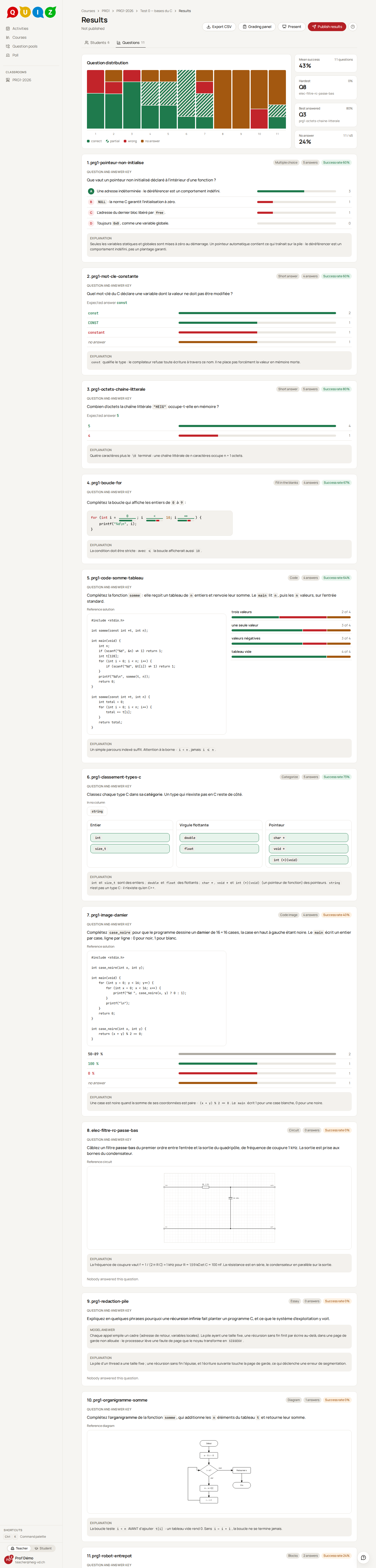
The students read before the lesson and answer two or three comprehension questions; you read their answers the evening before and build the lesson on what they got wrong.
- Create an exercise in the classroom, choose Automatic without a time limit, set its Closes at to the evening before the lesson, so you have the answers in time, then Schedule it in Launch.
- An evaluation has no introduction text yet: put the reading instructions in the statement of the first question, with a link to the reading or a few paragraphs.
- Ask two or three short questions, multiple choice or short answer, that a student who did the reading can answer and one who skimmed cannot.
- The grade of such an exercise means little; its answers are what you need. On the results page, the Questions tab shows the success rate of each question and what the class answered: the share of each choice, the values typed. Start the lesson with the question that went worst, and Present puts the same blocks on the beamer once the exercise is closed.
The pool's question statistics count exams only, so an exercise does not appear there: read it on its results page.
The drill as weekly practice
The drill is spaced practice: each day, a few questions from a student's past evaluations come back, about ten minutes' worth; a question often failed comes back sooner. A weekly exercise is the natural way to feed it.
- Turn the drill on in the classroom's settings. Students are in by default and may opt out; they are told that you see their activity.
- Give one short exercise a week on that week's material. Allow drill, under Advanced options of the Format step, is on by default for an exercise, and its questions become drill cards when each student hands in. A card is served only once the exercise's feedback shows the key, so keep Show the expected answer on. An exam has it off by default; turned on, its questions become cards at the release of the results.
- Only multiple choice, short answer, fill in the blanks and categorize questions become cards, and only when they are graded automatically: code, essays, diagrams and circuits stay out.
- The students see the key after each review, and the drill serves the latest published version of each question. A question you plan to reuse in an exam will have been practised, key included: keep the exam's questions out of the drill.
- The classroom's Drill tab shows, per student, the Recall, 30 days and the sessions, and Mastery per concept shows which concepts are fading.
Programming questions beyond "write a function"
A code question that asks for a whole function tests many skills at once and takes long to grade fairly. The patterns below each test one skill, most of them graded automatically.
Parsons problems
A Parsons problem gives the lines of a correct program, shuffled; the student puts them back in order. It tests reading and structure without the syntax errors of a blank editor. Build it with a categorize question:
- turn Order matters on: inside each column, a card is right only at its rank in your key;
- a categorize question has two columns at least, so give each block of code its column: a function and its caller, or the two branches of an
if; - one line per card, written as inline code, and a few wrong lines left in the tray as distractors, each one a real mistake (a missing
&, a value instead of an address). The student is told that a card may belong to no column; - keep Shuffle cards on, and Shuffle columns off, so the blocks stay in reading order.
A card holds no indentation: the student orders lines, and the nesting is not graded. The rank is absolute: a distractor dropped into a column, or a missing line, shifts every card below it off its rank. For the same reason, avoid two cards with the same text in one column (two }): the key gives each its own rank, and a student who swaps them is marked wrong. The development seed has an example, prg1-parsons-echanger, in the pool Programmation C: the body of a swap function through pointers and the body of the main that calls it, with two wrong lines.
What does this print?
Show a short program in the statement and ask for its exact output, as a short answer with Expected answer set to Text and an Exact text accepted answer. Keep Trim on; runs of spaces are collapsed anyway. Lowercase is on by default: turn it off when case matters in the output. Choose a program whose output fits on one line, since the student's field is one line.
The question tests one rule at a time when the program is built around it: integer division, operator precedence, a post-increment, a pointer passed by value. A student who knows the rule answers in seconds; one who does not cannot guess. For a numeric output, a Number accepted answer accepts 3 and 3.0 alike.
Fix the faulty line
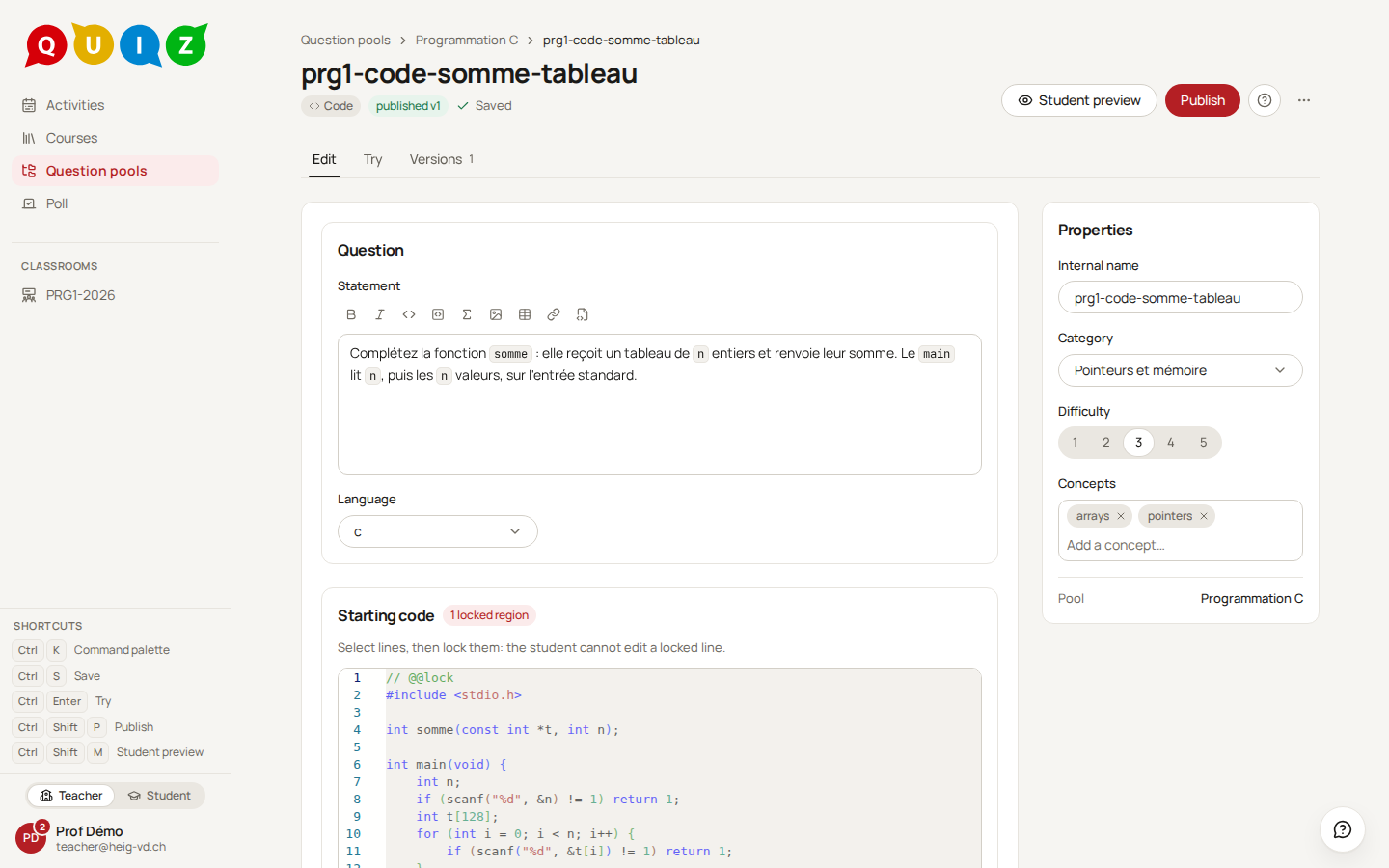
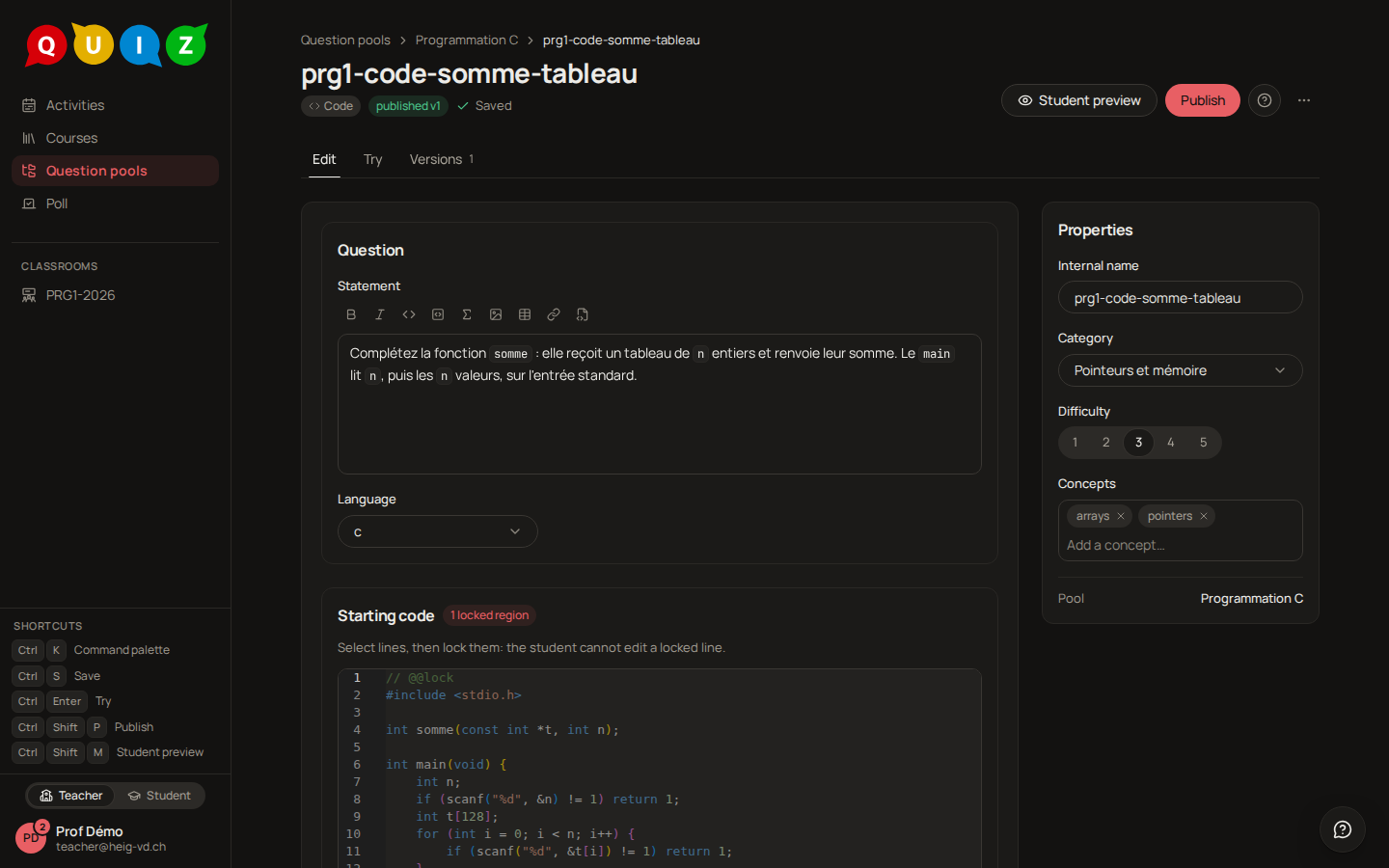
Give a working program with one bug in it, as a code question. Put the faulty code in the editable part of the Starting code, lock the rest between @@lock and @@endlock, and write the corrected code as the Reference solution. A visible test case that fails shows the symptom; the hidden ones check the fix.
Before publishing, try the question with the starting code as it is: at least one case must fail, or there is no bug to find. Then Try the reference solution: every case must pass. The tests cannot tell a one-line fix from a rewrite, so keep the editable region small: a single function, or a few lines around the bug.
Draw with code
A Code image question asks for a program whose output is a picture: one value per pixel, compared pixel by pixel with the target your reference solution draws (see More types). Loops, conditions and coordinates become visible: a checkerboard, a diagonal, a frame. When the student runs the program, the player shows their image beside the target, and the difference between the two. The score is the share of pixels that match, so a program that draws half the picture earns half the points. The seed's prg1-image-damier draws a 16 × 16 checkerboard.
Different values for neighbours
A parameterized question draws its own numbers for every attempt: students sitting next to each other read different values, each graded against their own key. Multiple choice, short answer with a number key and fill in the blanks take variables; code and categorize do not, and a poll refuses a parameterized question.
"What does this print?" works well this way: int a = [[a]], b = [[b]]; printf("%d\n", a / b); with a and b drawn by randint over positive ranges (for a negative quotient, floor and C's truncation differ), and q = floor(a/b) in the Integer format. Set Expected answer to Number and use a Number accepted answer of value [[q]]. A [[…]] inside code adds no variable row by itself: add a, b and q with Add a variable. Publication asks for a tolerance of at least half the key's step, 0.5 for an integer; tick Integer on the field, and a non-integer answer is wrong whatever the tolerance. In a multiple-choice version, a distractor is the formula of the mistake: [[a/b]] for the forgotten integer division. When b divides a, that distractor equals the key and the draw is made again; the condition mod(a, b) != 0 rules those draws out from the start.
Writing good questions
One concept, a stem that stands alone
A question tests one concept. When a student fails it, you should know what they did not understand; a question that mixes two rules tells you only that one of them is missing. Split it in two.
Write the stem so that a student who knows the answer could give it before reading the choices. A stem such as "Which statement is true?" is not a question, only a list of true-or-false items. If the stem stands alone, ask whether it should be a short answer: producing an answer is harder, and more telling, than recognising it.
Distractors are misconceptions
Each wrong choice of a multiple-choice question should be the answer of a student with a precise misconception: the size of a pointer for sizeof of an array parameter, <= for < in a loop bound, the address for the value. A distractor that no student would choose only makes the question easier than its number of choices suggests. Three good distractors are better than five padded ones.
Avoid "all of the above" and "none of the above". A student who spots two true choices picks "all" without knowing the third; "none" rewards knowing what is wrong without knowing what is right. Both also refer to the other choices, which breaks when the choices are shuffled: the editor's Never shuffle this question exists for that case, and needing it is a hint that the choice should go. When several answers can be true, make it a multiple-answer question and choose its scoring policy.
Read the statistics after an exam
After an exam has run, open the question's Statistics in its pool (see Question statistics). They count exam answers only, and show from ten of them.
- Success rate: the mean share of the points students earned, the classical difficulty index. Close to 100 % or close to 0 %, the question tells you little about who knows what.
- Discrimination index: whether the students who did well on the rest of the exam also did well on this question. Good from 0.3, Fair from 0.2, Weak below. A question marked Inverse is answered better by the weaker students: check the answer key first, then the wording (ADR-042).
- Choices picked, on a multiple-choice question: the share of answers that ticked each choice. A wrong choice nobody picks is a dead distractor: rewrite it or drop it. A wrong choice picked more often than the right one points to a misconception worth a lesson, or to a wrong key (ADR-043).
Fix the question, publish a new version, and the evaluations already run keep theirs. Changing a choice or the key restarts Choices picked from that version, since a share means nothing once its choice was rewritten; the success rate keeps counting every version.