The journal
A classroom's journal is its course documentation: one page per week, with what was seen, the exercises and the links, read inside the app. It is not an activity: no grade, no deadline, no tracking. Students read it from the Journal tab of their classroom; a classroom has at most one, and the tab exists exactly when the classroom has one.
Coming from heig-classroom
The journal is the same idea, but you choose where the pages live. In Quiz needs no GitHub at all and is the default; In a GitHub repository keeps the repository as the content, as in heig-classroom, and Quiz shows a read-only copy.
Create it
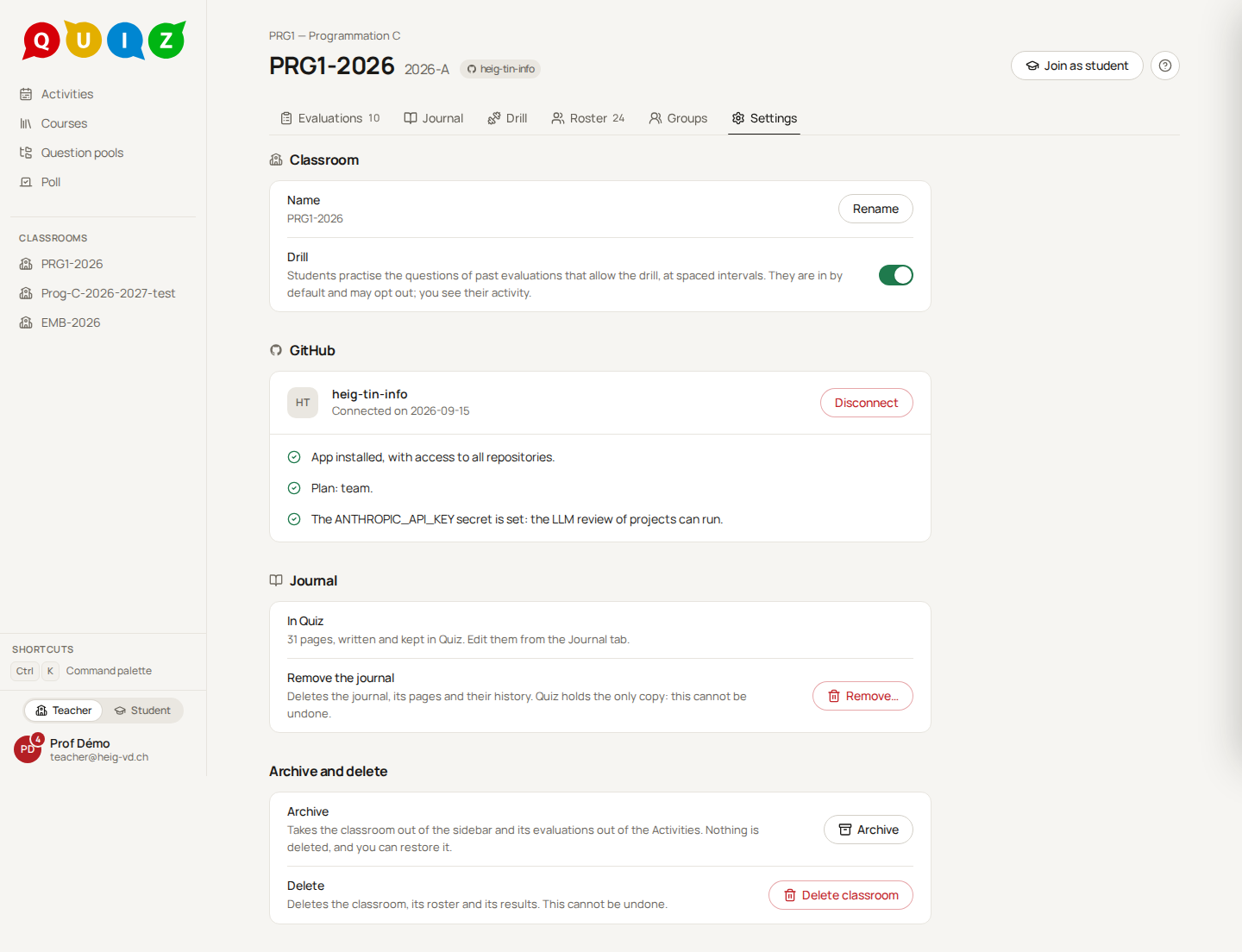
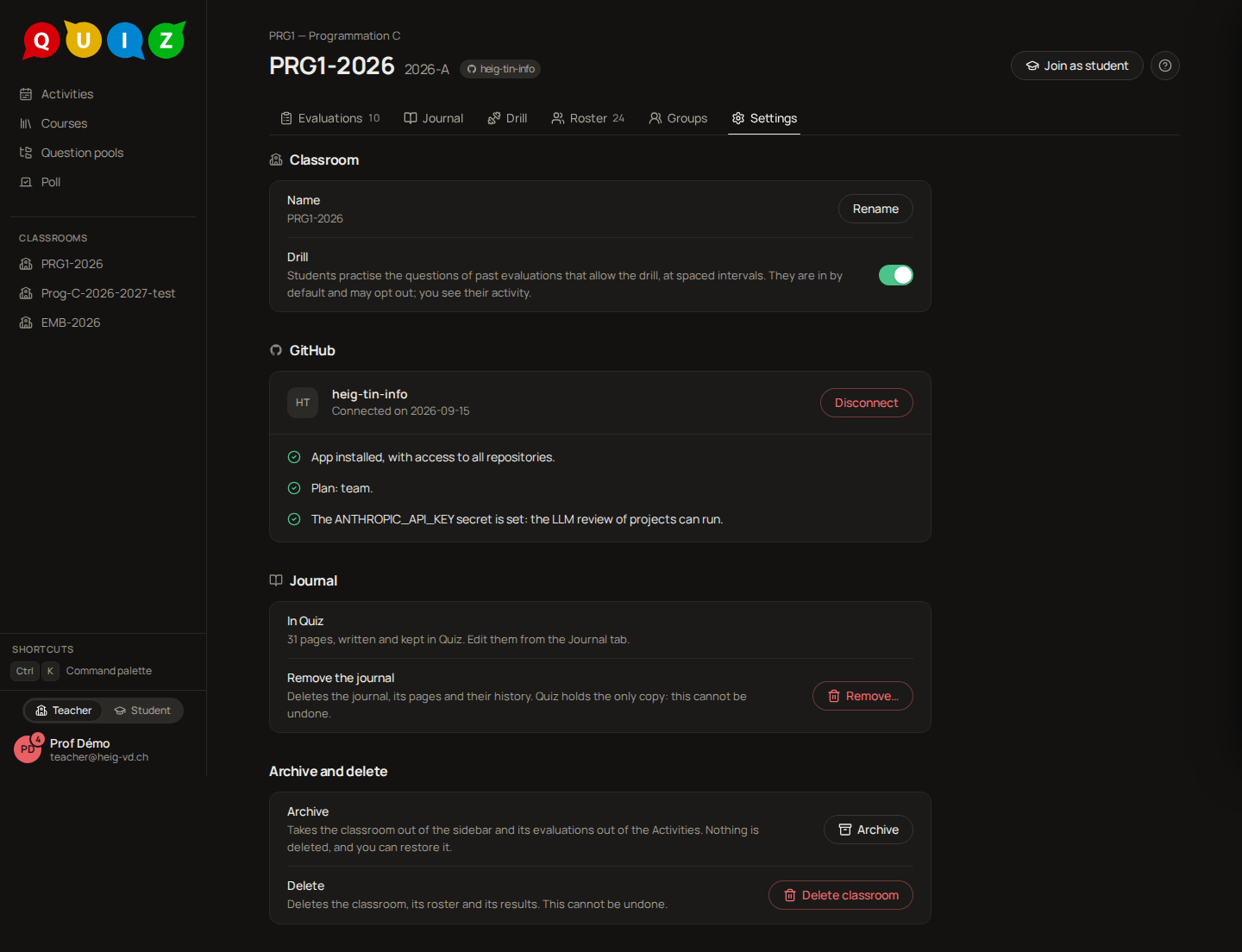
Open the classroom's Settings tab, Journal section, and choose Where the pages live:
- In Quiz: written in Quiz's editor, with the history of every save. Create makes the journal at once, with a first page. It works whether or not the classroom is connected.
- In a GitHub repository: written in your own tools (VS Code, git) in a repository of the classroom's organization. It needs the classroom connected to GitHub. Either Create a journal, a new private repository with a first
README.mdunder a name you may change (Quiz never takes over an existing repository), or Use a repository, a repository of the organization, even one another of your classrooms uses (last year's journal), with an optional branch and an optional folder; a repository Quiz knows as a course you do not teach is not found. Quiz never writes into a repository you chose, and invites nobody to it. The staff who linked a GitHub account are invited to a repository Quiz creates, with push rights only; someone who joins the staff or links later is not invited automatically.
The mode is chosen at creation. Moving a journal between modes is not offered yet.
Read and navigate
The Journal tab shows the pages as a strip above the page (Home, then one entry per top-level page or folder), the page, and its table of contents beside it. Staff also see a badge on a draft and on a page not yet visible, and the page's warnings.
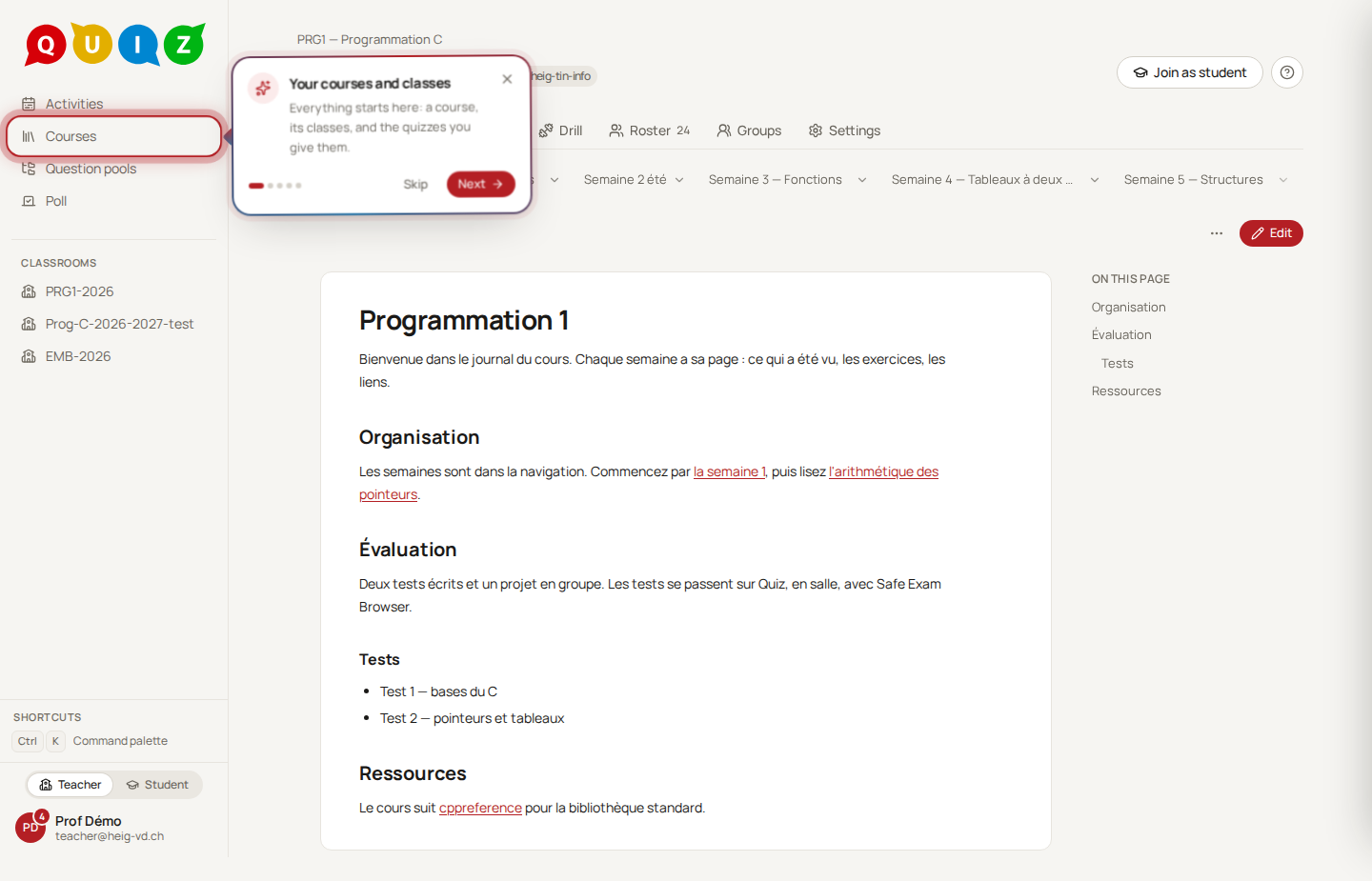
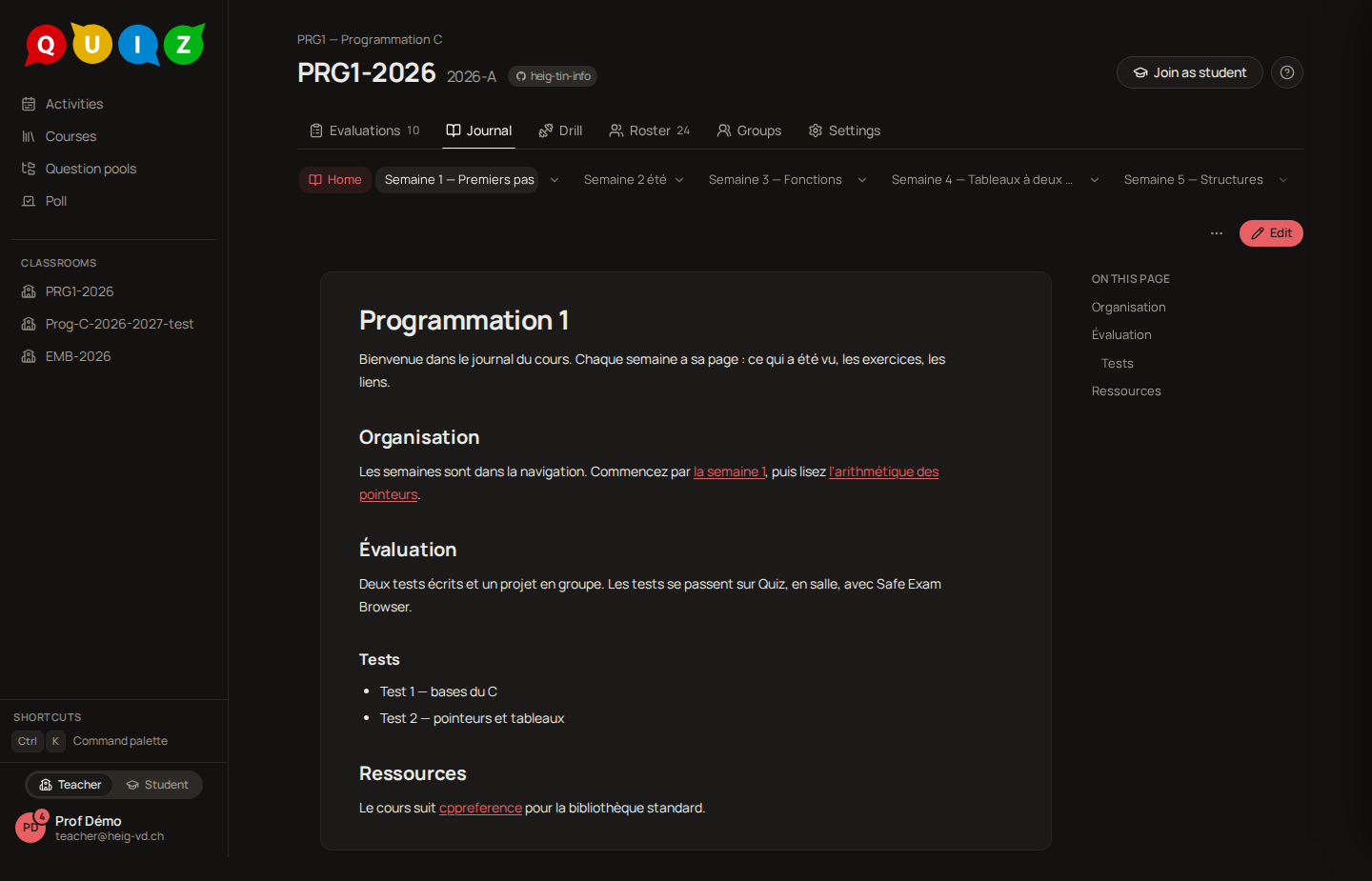
In a repository, the navigation is its layout, as in MkDocs: pages sorted by file name, numeric prefixes (10-, 20-) giving the order without being shown, a README.md as the landing page of its folder. In Quiz, a page's path is fixed when you create it. In both modes a page's title is its front matter title, else its first # heading, else its file name made readable. Links between pages are relative.
Write a page (in Quiz)
Edit, in the page's bar, opens the page in the same editor as question statements, with a source mode. The front matter is edited as fields beside the editor:
- Title and Date;
- Draft: Staff only until you publish it;
- Visible to students from: the page stays hidden until then and appears to students without a reload when the date passes.
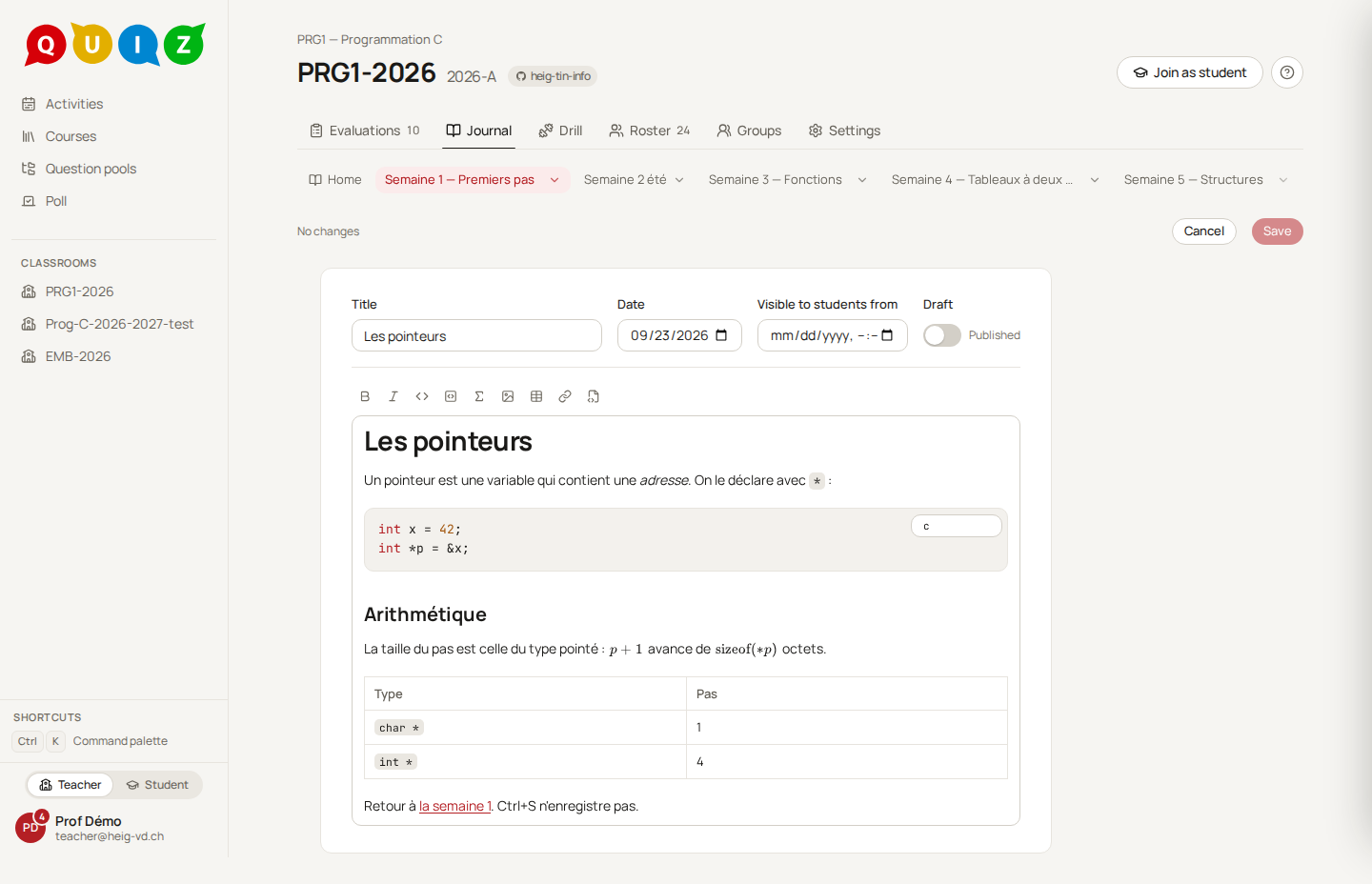
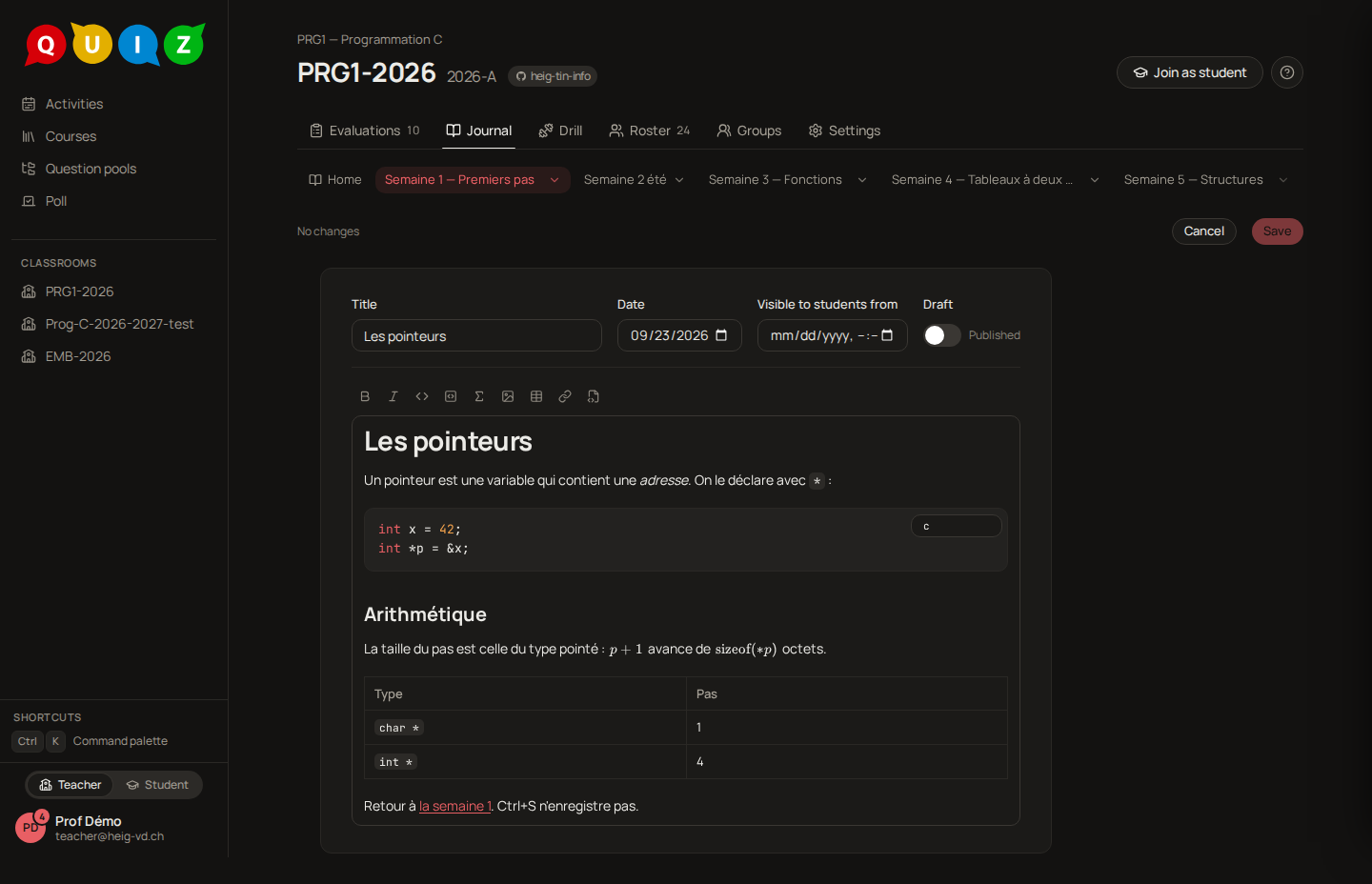
Save writes the page against the version you opened. If a colleague saved meanwhile, nothing is merged: your text stays in the editor, with Copy my text, so you can reload and redo your changes. Every save is a revision: History lists them and restores one as a new save. Pages adds a page (a path ending in .md) or deletes one; Deleted pages brings one back. Pictures dropped or pasted into the editor are stored beside the page, up to 5 MB each.
The renderer handles GitHub-flavoured markdown, formulas (KaTeX) and coloured code. Raw HTML is shown as text, and an image from outside the journal is dropped, with a warning on the page.
Write a page (in a repository)
The page's primary action is Edit on GitHub, which opens GitHub's editor on the right file. Quiz offers no add, delete or upload there. A push to the repository updates the copy by itself, for every classroom that uses it; Refresh reads it again now. If the repository is renamed Quiz follows it; if it is deleted or unreachable, the Settings show the reason and the pages already copied stay readable.
What students see
Students read only pages that are not drafts and whose date has passed, rendered, with the images those pages use. They never see the markdown, the history, the count of hidden pages or the drafts, and a page they may not read is a plain not found. To check, use Switch to student view: it shows exactly what a student gets.
Removing the journal
Remove… in the Journal section drops the journal and its tab, after a confirmation.
- In a repository: only the classroom's copy goes; the repository is kept on GitHub, unchanged.
- In Quiz: the pages, their history and the pictures are deleted, and Quiz holds the only copy. You type the classroom's name to confirm when there are pages.
Deleting the classroom removes its journal the same way.